Your Guide to Redeeming Flexi Membership Tickets
By
Brisbane Bullets
13 Aug
1
min read

The Brisbane Bullets’ Flexi Memberships provide the flexibility to redeem tickets for the games that best suit their schedule.
Click HERE to purchase your Flexi Membership for the NBL27 season.
Flexi Memberships will only give you access to the games at the Brisbane Entertainment Center.
How to redeem your Flexi Membership tickets:
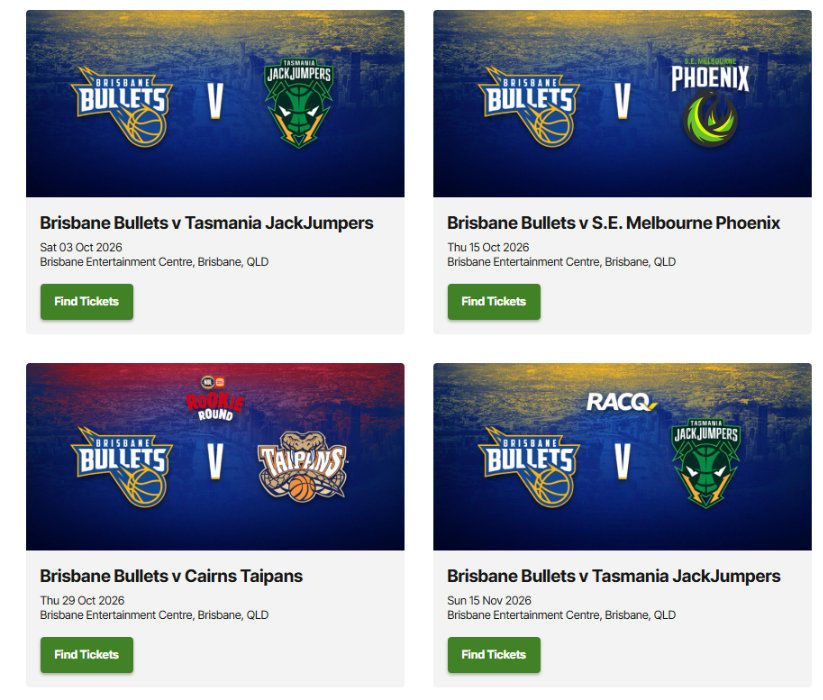
1. Select your preferred game
Visit the Ticketek website and select the Brisbane Bullets game you wish to attend.
Brisbane Bullets NBL27 tickets - https://premier.ticketek.com.au/shows/show.aspx?sh=BULLETS27
2. Enter your redemption passcode/s
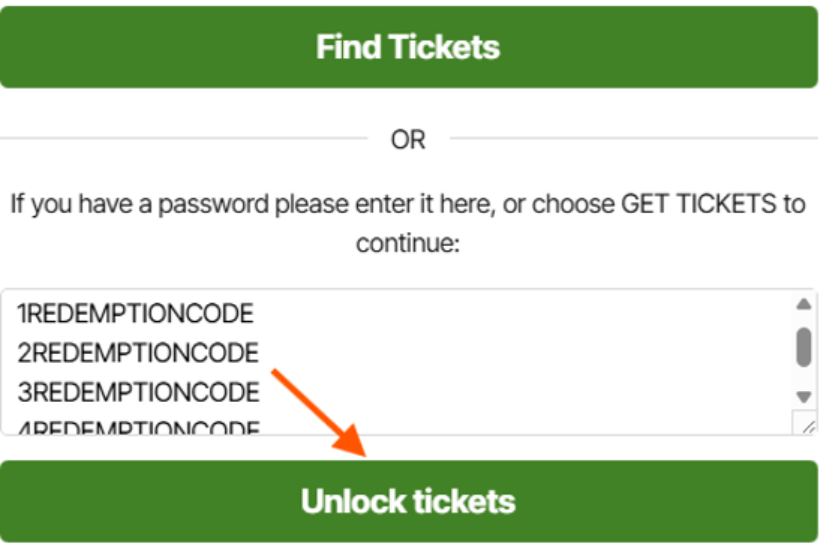
Enter your redemption code/s into the password box and select ‘unlock tickets’.
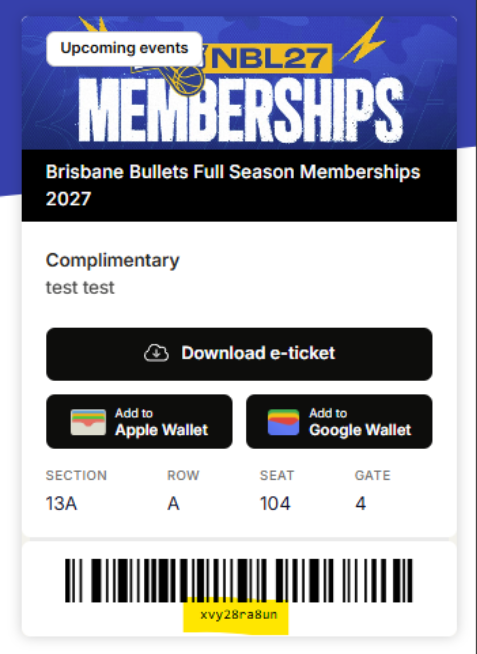
Your redemption code is on your digital membership card, which is accessible via the Membership portal under ‘Tickets’.
*Please note that if you are redeeming tickets for a family or multiple memberships, you will need to put each redemption code on a new line in the textbox by pressing enter after you enter each code.
3. Select your seats
You have the option to ‘choose your own’ or ‘find best available’.
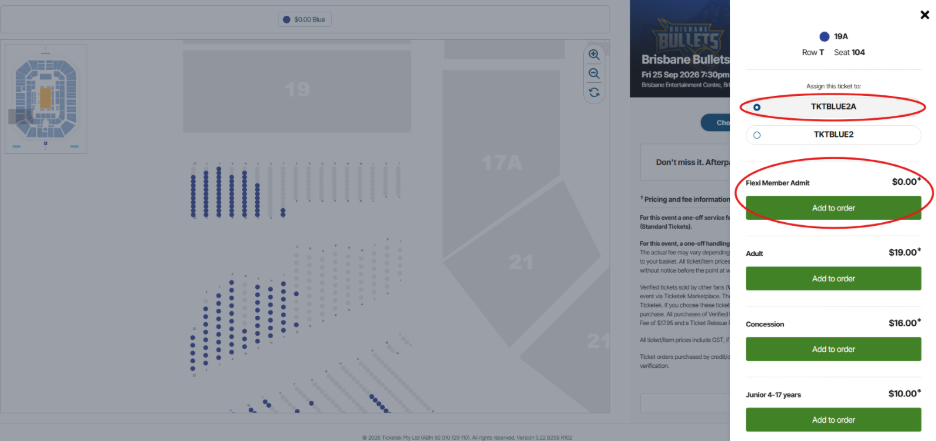
If you clicked on 'choose your own', please select your preferred seat on the map (colored seats are available).
Once seats have been selected choose the $0.00 option from the list. If redeeming multiple seats – select another seat, then select the next password on the list.
Repeat this for all member seats as you will need to redeem them individually.
If clicked on 'Find Best available,' select your membership category with the $0.00 displaying.
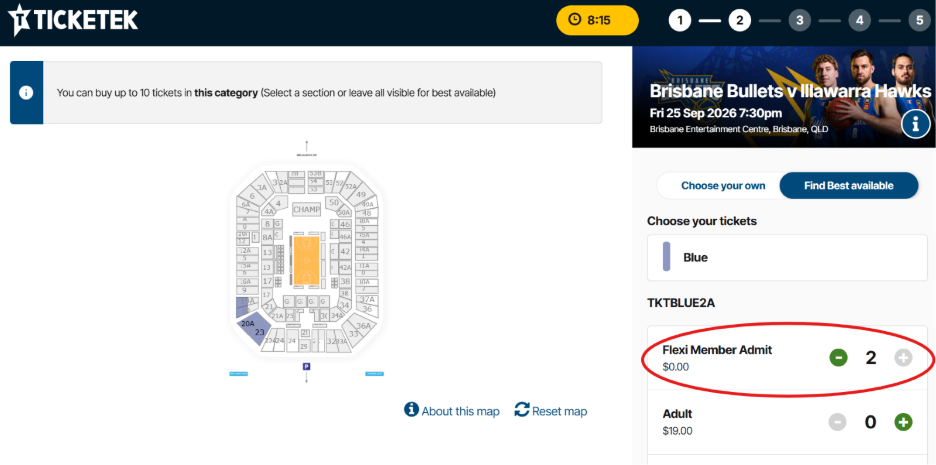
If redeeming multiple seats, repeat this step from each list displayed.
4. Purchasing additional seats
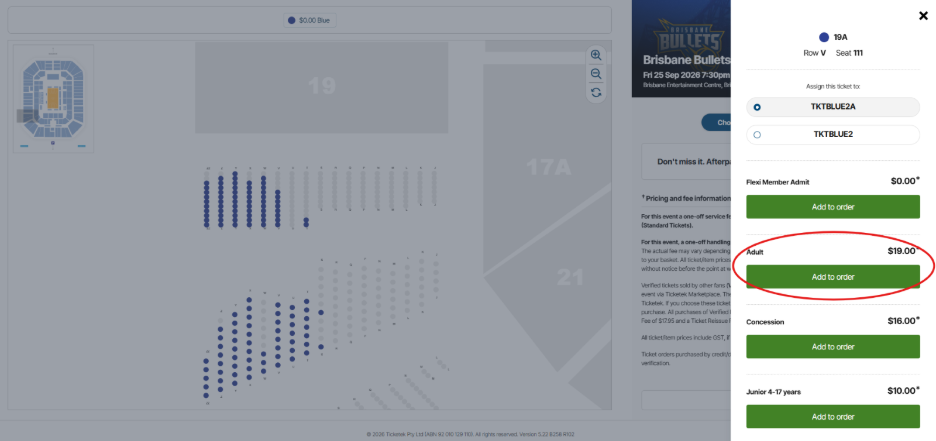
If you wish to add-on additional paid tickets for family and friends, please repeat the process for either ‘choose your own’ or find best available’ however, you will need to select ‘adult’, ‘junior’, ‘family’, or ‘concession’ from the list for the additional tickets you wish to add on.
5. Receive your tickets
Please choose how you prefer to receive your tickets – ezyTicket or mobile.
6. Sign in to your Ticketek account
Sign in or create a Ticketek account and ensure your details are up to date to receive your tickets via phone or email.
You can log in to your Ticketek account before redeeming tickets or during the checkout process.
Once redeemed, tickets will appear in your Ticketek account.
If you have any trouble redeeming your flexi membership tickets, please contact us at 07 2142 4749 or via email at membership@brisbanebullets.com.au
9 Jan
Preview: NBL26 R16 Away v Cairns Taipans

8 Jan
Bullets' Guide to WA

7 Jan
Brisbane deserves a team that fights

6 Jan
Competing is there, now Bullets have to win
4 Jan
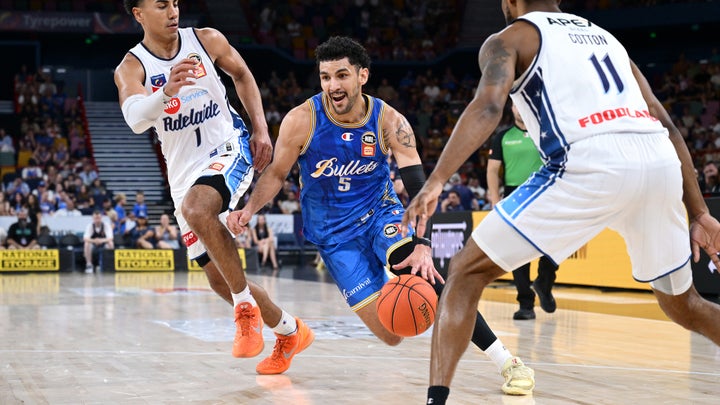
Bullets show great heart v 36ers
3 Jan
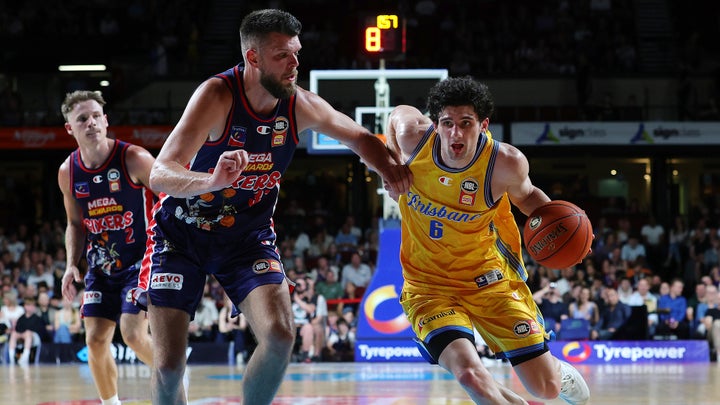
Preview: NBL26 R15 Home v Adelaide 36ers

3 Jan
No excuses from Norto as Bullets look to fight

2 Jan
Holt provides a shining light for Bullets

1 Jan
Bullets fall to 'Cats to open new year
31 Dec
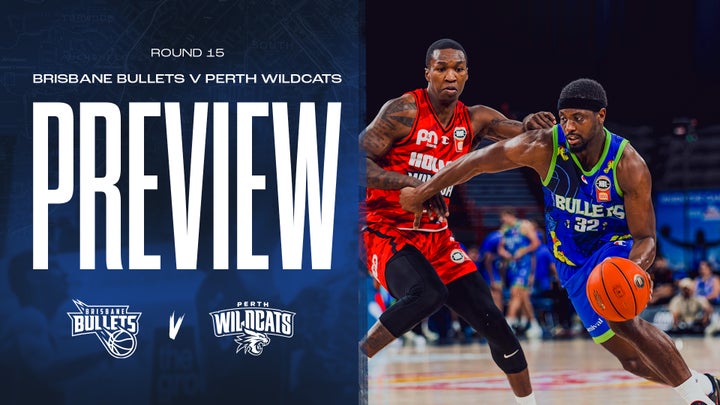
Preview: NBL26 R15 Home v Perth Wildcats
31 Dec
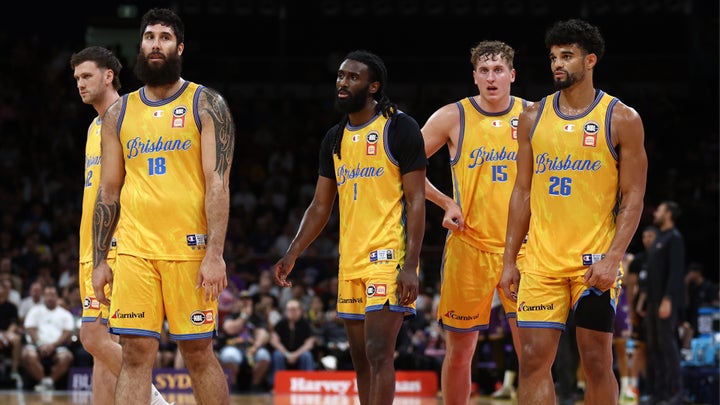
Bullets learn tough lessons from Kings
30 Dec
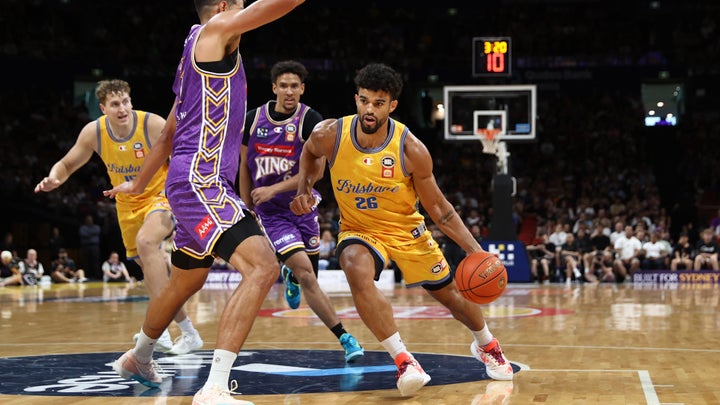
Bullets struggle against Kings pressure
28 Dec
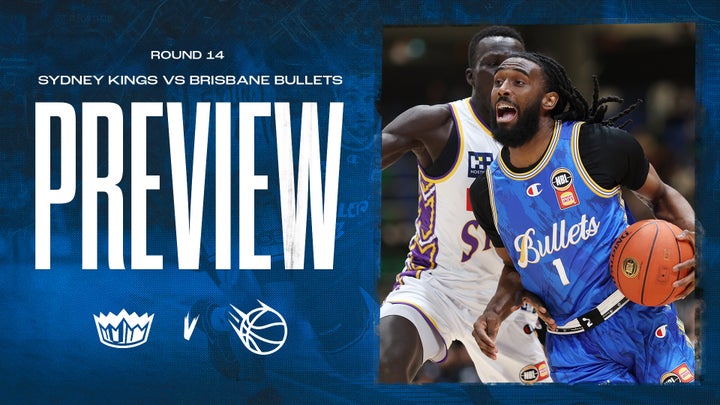
Preview: NBL26 R14 Away v Sydney Kings
28 Dec
DMac wants Ty to reach his potential

27 Dec
Harrison heroics not quite enough for Bullets

27 Dec
Bullets Sign Hunter Maldonado
Support your team with the latest gear
Grab your latest team releases before they're gone.
Follow for behind the scenes content


Get the latest Team Updates
Breaking news & special offers. Direct to your inbox.
NBL27 Memberships - Register Now
NBL Properties


Subscribe to our Newsletter


The National Basketball League acknowledges the Traditional Custodians of the lands on which we work, live & play. We pay our respects to their Elders past, present & emerging as well as all Aboriginal and Torres Strait Island Community. © year National Basketball League |Terms & Conditions | Privacy Policy